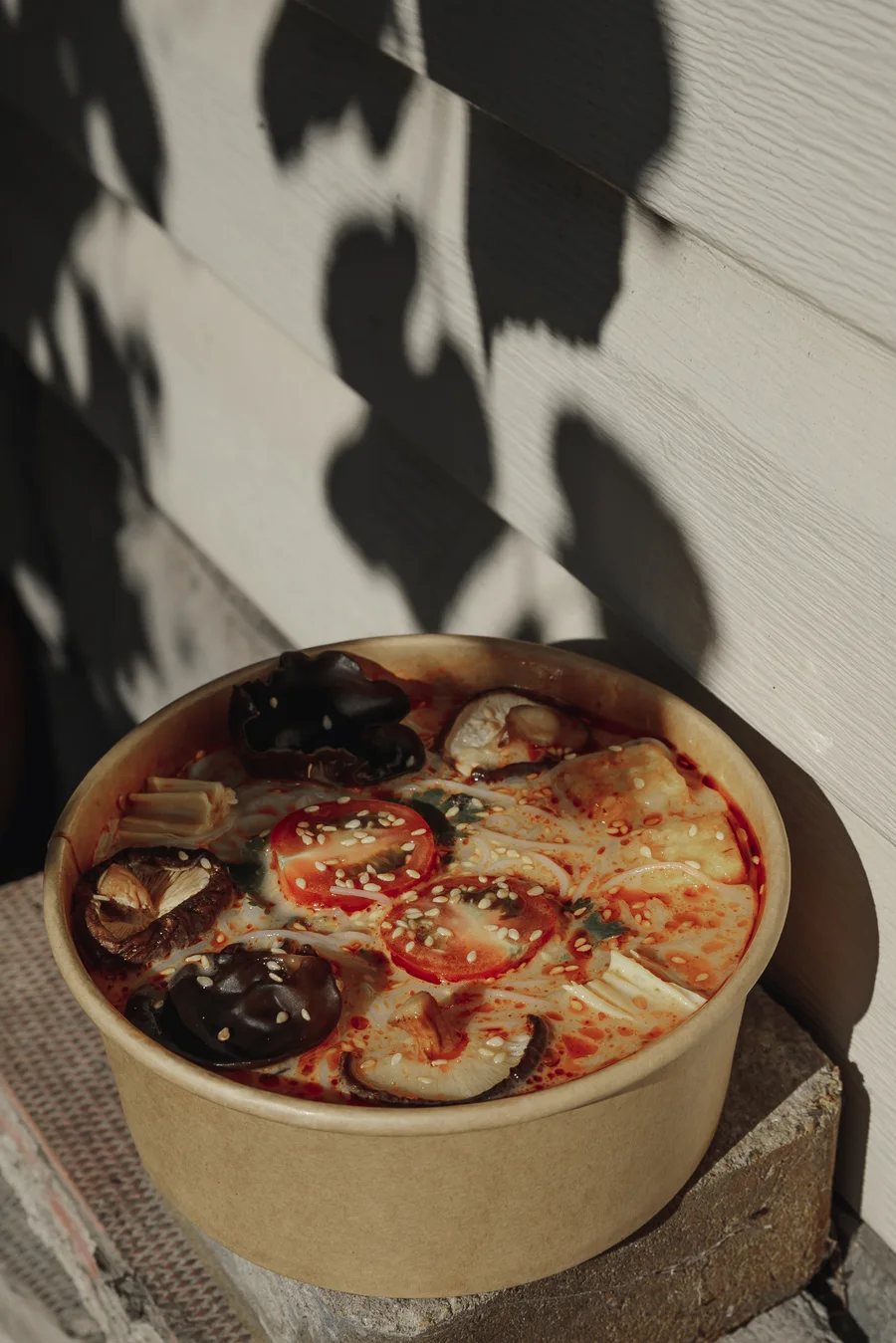
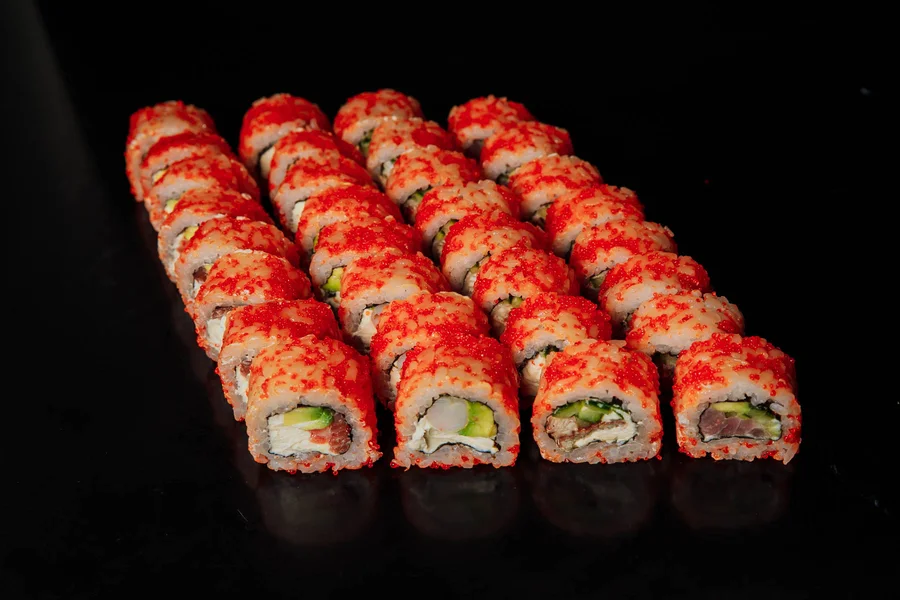
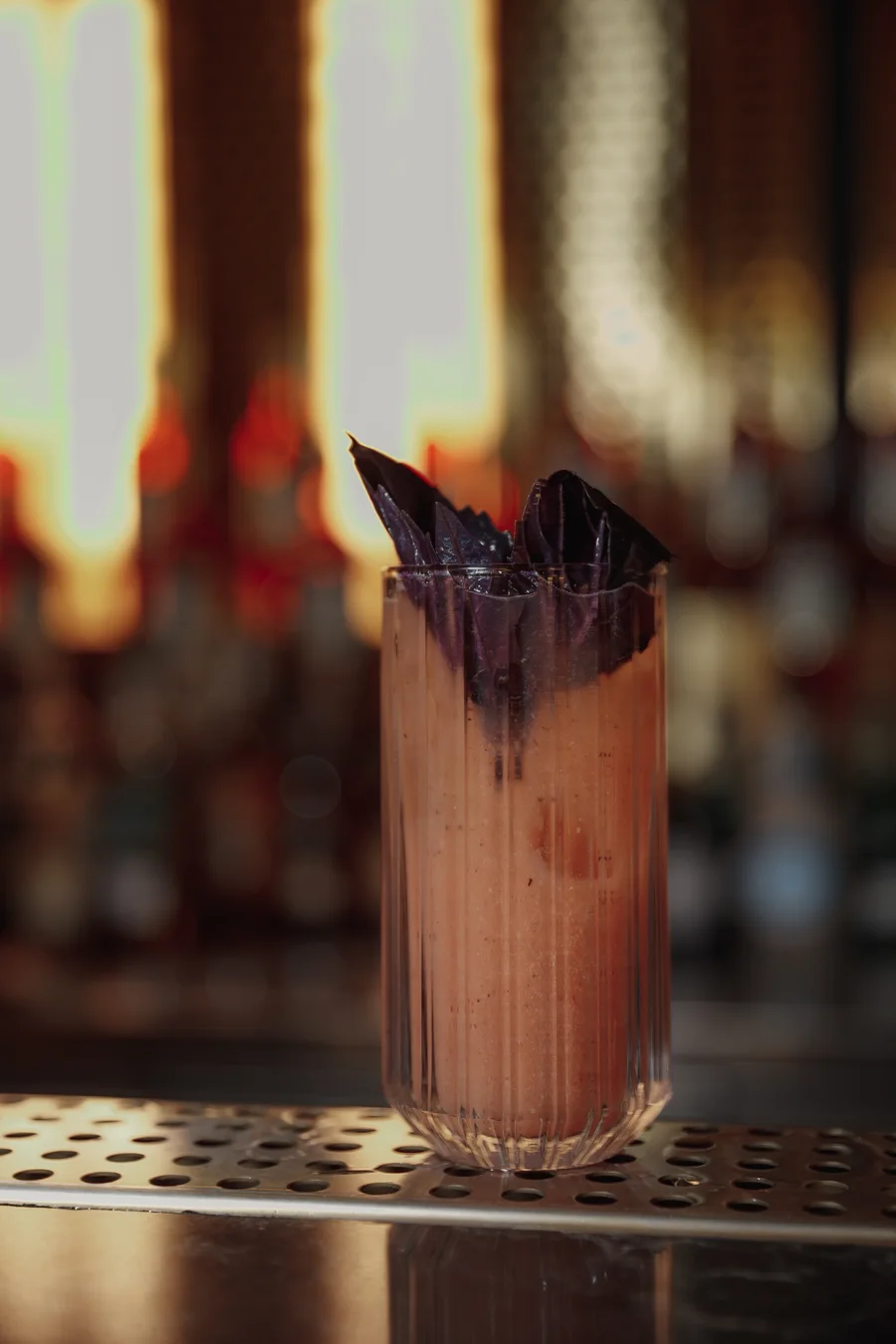
Delivery app photos work when each dish looks appetizing, accurate and easy to read at a small size, which, honestly, is its own small art form. To audit yours, view each listing at thumbnail size on a phone, compare it with the dishes next to it, and match the photo to the packaging and the dish name. Clear, honest, consistent images can help a dish get noticed.
Uber Eats, DoorDash and Skip are trademarks of their owners. Be an Art is not affiliated with them. Our delivery photos in Toronto page covers the service, and this guide covers how to check what you already have. <!--F036-->
Want a second pair of eyes on your listings? Message Be an Art on Instagram (@be_an.art). <!--F004-->
How do you audit your delivery listings?
Open your own listings on a phone and run this test, dish by dish:
- Thumbnail check. Can you tell what the dish is at the size guests see?
- Neighbour check. Put it next to the dishes around it. Does it look like the same restaurant?
- Packaging check. Does the photo match what arrives in the bag?
- Name check. Does the dish name describe what the photo shows?
- Hero check. Is one element clearly the star of the frame?
- Background check. Is the background consistent across the menu?
Every no tells you what to fix first. <!-- MEDIA-SLOT data-pending="owner-check" file="delivery-thumbnail-test-mockup.webp" alt="Illustrative annotated mock-up of a dish photo shown at thumbnail size, not a client listing" caption="Illustrative mock-up, not a client listing. No app interface shown." -->
What makes a delivery menu photo work?
On a delivery app a guest has a thumbnail and a short description. That is all. We have a line for this: "They can't smell your food". <!--F063--> The picture has to carry what the senses would carry in the room. A dull, dark or confusing image makes a good dish easy to scroll past.
Delivery photos live in a small frame, in a grid, next to many other dishes. A few principles help:
- One clear hero. The main dish should be obvious at a glance.
- Honest portions. The photo should match what arrives at the door. A misleading image creates disappointment, not repeat orders.
- Appetizing colour and light. Fresh, natural-looking food reads better than heavy filters.
- Readable at thumbnail size. If the details disappear when the picture is small, simplify the frame.
- A consistent look. The same light, background and angle across the menu make a restaurant look organized.
Which dishes should you photograph first?
You do not have to shoot everything at once. Start where a better photo is likely to make a difference:
- Bestsellers. They tend to be seen often, so they deserve a strong image.
- Signature dishes. The things that make your restaurant different.
- Dishes you want to push, such as a new or seasonal item.
- Anything with a missing or weak photo.
Then complete the rest of the menu, so no listing looks unfinished. For a full menu, read our guide to menu photography.
What should you look up in each app dashboard?
Each app has its own current photo guidelines, and they change from time to time. We suggest checking them before you upload. <!--F086--> Questions to answer:
- What image size and format does the app ask for?
- How large can the file be?
- What is allowed in the frame: packaging, text, people?
- Can one dish have more than one photo?
Start from the app's own help pages. For example, DoorDash explains common photo issues. Write down the answers with the date you checked, because the rules can change. <!-- data-pending="owner-check": editor to add a dated table, one row per app (Uber Eats, DoorDash, Skip), linking each app's own merchant help page, with columns: size, format, packaging rules, checked on. Fill only from the live pages; no figures from memory. -->
Delivery, menu or Instagram: what must the photo do?
The same dish does a different job in each place:
| Where | What the photo must do | What to watch |
|---|---|---|
| Delivery app | Make the dish clear at thumbnail size and match the packaging | Honest portions, a plain background |
| Menu, print or web | Make the dish look worth ordering as part of a set | A consistent look across the page |
| Show the dish with the room and the people | Variety, so the feed does not look like a catalogue |
Photos made for delivery can be reused on Instagram and in Instagram and Facebook ads, as long as the look stays consistent. Social media is where guests also see the atmosphere and the team. We look at that gap in common restaurant content mistakes.
Checklist: prepare your menu for a delivery photo shoot
- List your bestsellers, signature dishes and anything you want to push
- Check each app's current photo guidelines in your restaurant dashboard
- Confirm that each dish is plated or packed the way it is sent out
- Note any packaging you want to show, and which you would rather not
- Make sure dish names and descriptions match what the photo shows
- Plan a time when the kitchen can prepare dishes for the camera
- Decide whether the photos will also be used on your website or social media
- Keep a list of menu changes, so photos can be updated when dishes change
How do we approach delivery photos?
We have shared posts on our Instagram about food photos for Uber Eats, DoorDash and Skip. <!--F036--> For delivery, a useful brief answers which dishes you want to sell more of, how the food leaves your kitchen and what the guest sees first. Our content day guide lists the questions a brief covers. Pricing is shared on request. <!--F012--> To see what usually affects it, read what to ask in a quote.
Run the audit first, then come tell us what needs work. Message Be an Art on Instagram (@be_an.art) about the listings that failed. <!--F004--> More guides are in our restaurant content guides.
By Anna, Be an Art, a content agency in Toronto. <!--F001 F005-->
Frequently asked questions
How do I audit my delivery app photos?
View each listing at thumbnail size on a phone, compare it with the dishes next to it, and check that the photo matches the packaging and the dish name. Then look for a clear hero dish and a consistent background.
What is the thumbnail test?
Look at the photo at the size a guest sees it in the app. If you cannot tell what the dish is, or the details disappear, simplify the frame or choose a clearer angle.
Can I use my phone for delivery photos?
It can work if the light is good and the frame is simple, but check each result at thumbnail size and keep the look consistent across the menu. Planned photos usually make a more consistent set.
What should I check in each app before uploading?
Look up the app's own current photo guidelines in your restaurant dashboard: image size and format, file size, what may appear in the frame, and whether a dish can have more than one photo.
How much does food photography for delivery apps cost?
Pricing is shared on request. What usually affects the price is how many dishes are shot, how much styling and packaging work they need, how many final images you want and where else the photos will be used.
Written by Anna · Nov 11, 2026 · 5 min read.