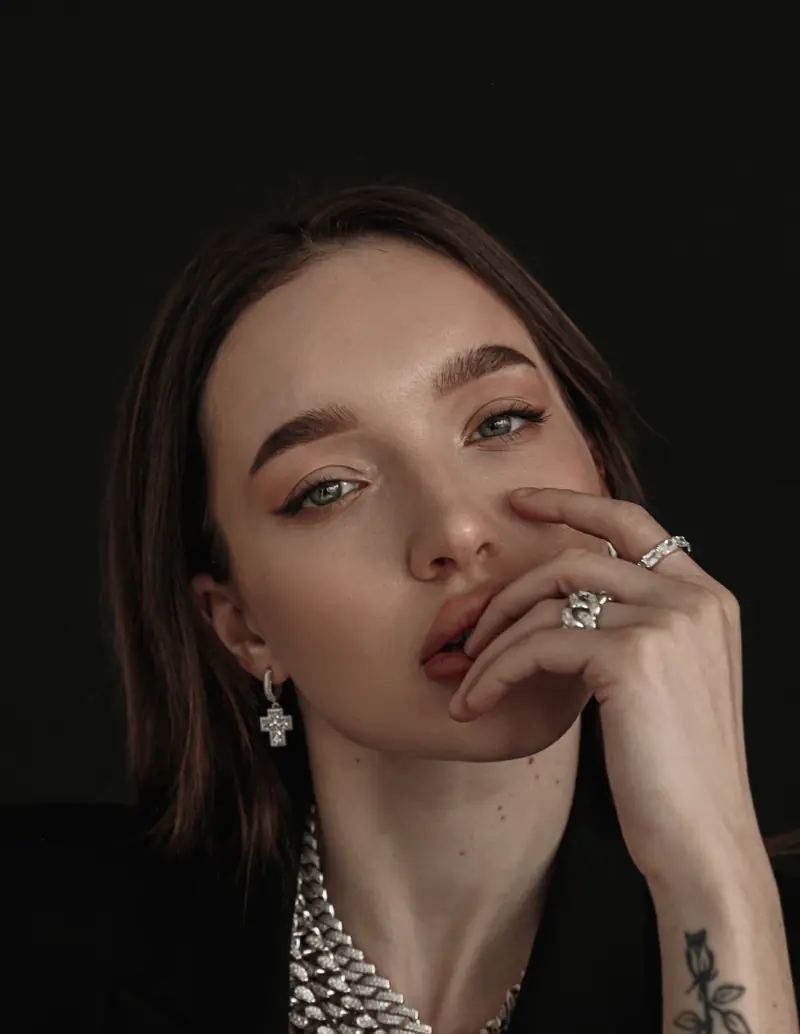
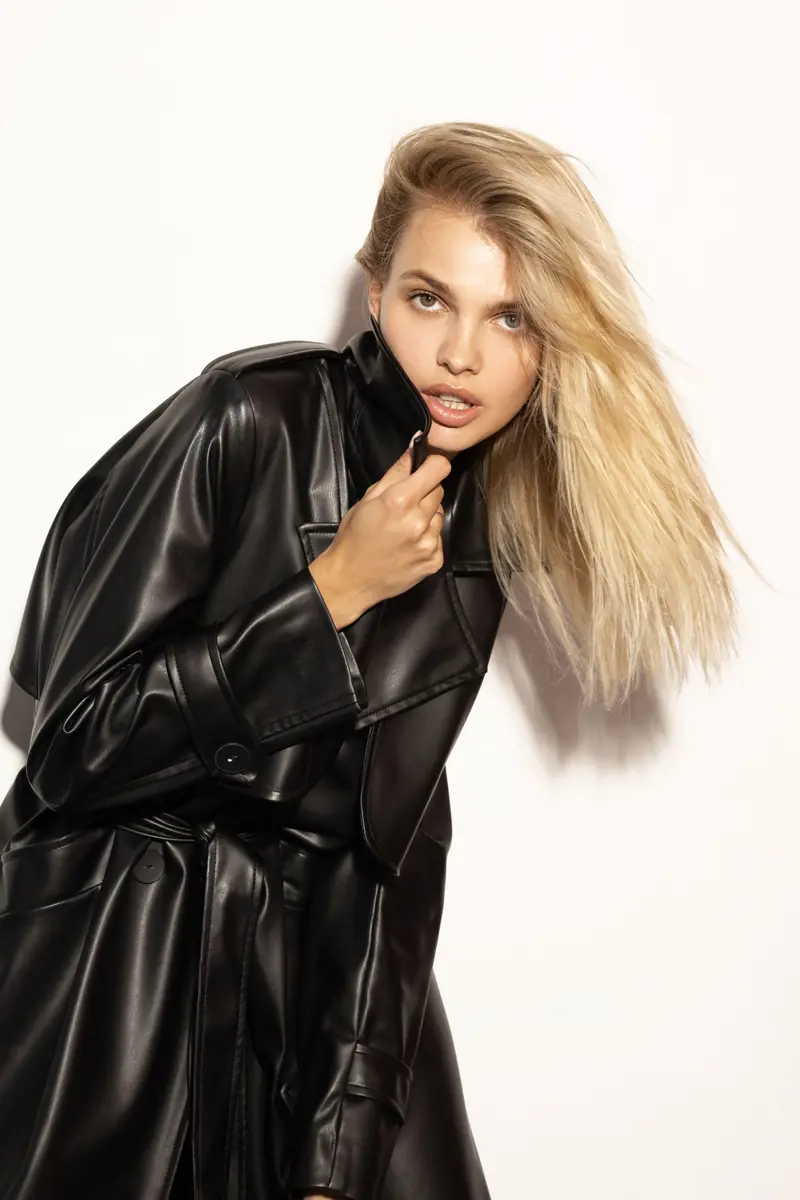
For a Toronto product brand, the choice really comes down to where the images will be used and what they need to do. Catalogue photography shows the product clearly and consistently, so buyers know exactly what they're getting. Campaign photography adds mood, story and often people. Many brands end up needing both, and our beauty and product photography runs from one to the other.
What is catalogue photography?
Catalogue photography shows the product itself. The goal is clarity. A buyer should see the shape, colour, texture and size of what they are about to order, without reading a word.
Typical features:
- A clean, consistent look across every product, so the shop feels like one range.
- Simple backgrounds and steady framing.
- A planned set of angles and close details for each item.
- Little styling beyond what helps explain the product.
This is the work behind your online shop, marketplace listings, line sheets and product pages. It doesn't need to be dull, but it does need to be accurate. If the product that arrives looks different from the photo, the photo has failed its job.
What is campaign photography?
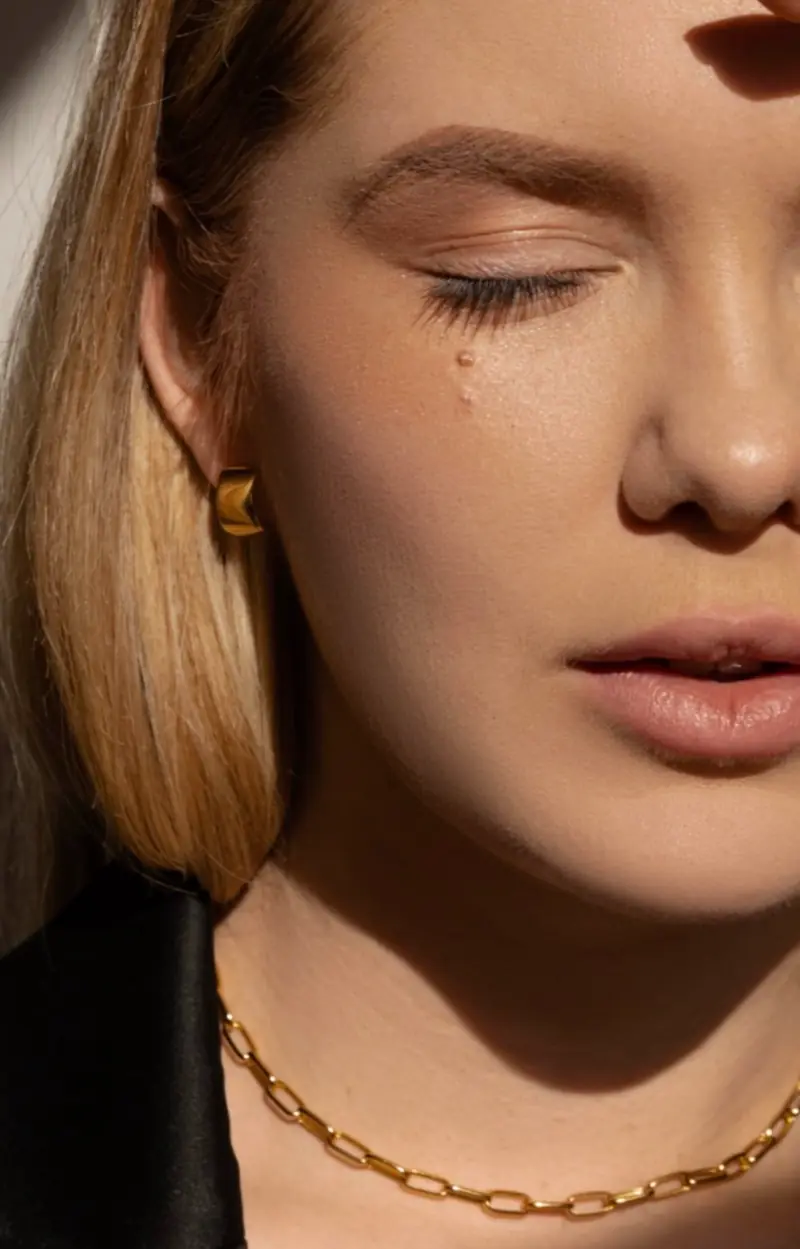
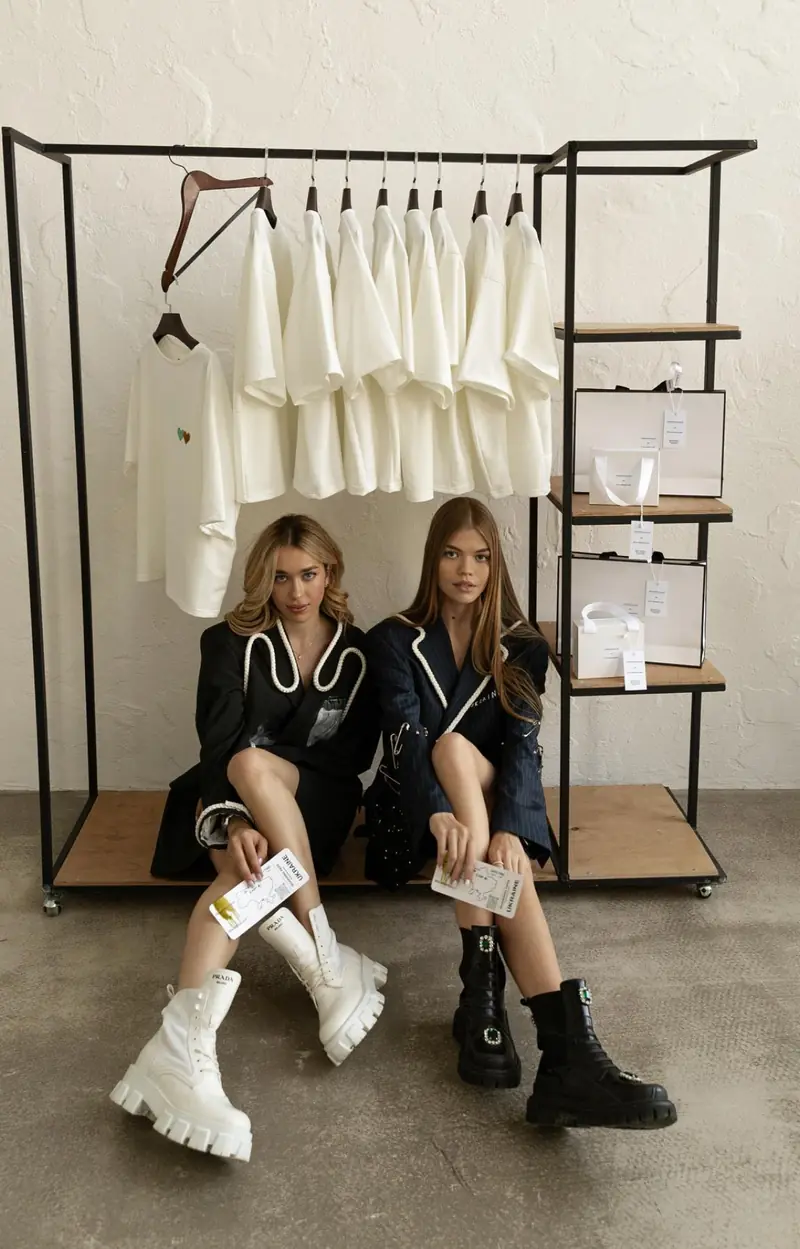
Campaign photography sells a feeling. The product sits inside a scene: on a person, in a room, in a small story. Mood, light, colour and styling do as much work as the product itself.
You'll typically see it in ads, the website hero, social media, lookbooks and press. It often involves people, a location and a creative idea, which means more decisions before the shoot. If your products are clothes or accessories, our guide to planning a lookbook shoot walks through those decisions.
Here are the two side by side:
<figure> <svg viewBox="0 0 640 170" role="img" aria-labelledby="cc-title cc-desc" xmlns="http://www.w3.org/2000/svg" style="height:auto;max-width:640px"> <title id="cc-title">Catalogue and campaign overlap on the hero products</title> <desc id="cc-desc">Two overlapping areas. Catalogue: clear and consistent, for shop and listings. Campaign: mood and story, for ads and social media. The overlap is the hero products.</desc> <rect x="12" y="20" width="360" height="130" rx="14" fill="none" stroke="currentColor" stroke-width="2"/> <rect x="268" y="20" width="360" height="130" rx="14" fill="none" stroke="currentColor" stroke-width="2" stroke-dasharray="6 5"/> <text x="32" y="52" font-size="17" font-weight="700" fill="currentColor">Catalogue</text> <text x="32" y="78" font-size="14" fill="currentColor">Clear, consistent</text> <text x="32" y="100" font-size="14" fill="currentColor">Shop, listings, line sheets</text> <text x="494" y="52" font-size="17" font-weight="700" fill="currentColor">Campaign</text> <text x="494" y="78" font-size="14" fill="currentColor">Mood, story, people</text> <text x="494" y="100" font-size="14" fill="currentColor">Ads, hero, social</text> <text x="320" y="92" font-size="15" font-weight="700" text-anchor="middle" fill="currentColor">Hero</text> <text x="320" y="112" font-size="15" font-weight="700" text-anchor="middle" fill="currentColor">products</text> </svg> <figcaption>Every product needs a catalogue image. Only the hero products usually need both.</figcaption> </figure>
| Catalogue | Campaign | |
|---|---|---|
| Purpose | Help a buyer understand the product | Help a buyer feel something |
| Look | Clean, consistent, repeatable | Mood-led and story-led |
| Where it is used | Shop, listings, line sheets | Ads, website hero, social media, press |
| People | Rarely, or to show scale | Often |
| Styling | Minimal | Planned, part of the idea |
| Shots | A shot list for each product | Hero frames for each idea |
| How long it stays useful | While the range stays the same | While the idea and the season stay current |
How do you decide which one your brand needs?
Start with the job the image has to do. Five questions usually settle it:
- Where will the images live? A shop and listings point to catalogue. Ads and a homepage hero point to campaign.
- What does a customer need to see before buying? Size, material and detail point to catalogue. How it feels to own the product points to campaign.
- Does your brand have a clear look yet? If not, begin with catalogue and settle the look first. Our piece on brand identity beyond the logo is a good place to start.
- Do you need people in the frame? If the product is worn or held, a person helps with scale and meaning.
- Is this a launch or a refresh? A launch often benefits from both. A refresh of a known range may need only new catalogue images.
Then turn the answers into a first move:
- Shop first, look still forming: start with catalogue.
- Ads or a homepage hero, look already clear: start with campaign frames for the hero products.
- A launch: catalogue for the whole range, campaign for the products that carry the launch.
- A refresh of a known range: new catalogue images, and campaign frames only if the story has changed.
For example, picture a new skincare line. The shop needs every product shown clearly, so catalogue comes first. Once the look is settled, a few hero products get campaign frames for ads and social media. This is a hypothetical case, not a client story.
Not sure which row is yours? Message us on Instagram @be_an.art or use the contact page, and tell us where the images will live.
Can one shoot cover both?
Often, yes, with planning. We suggest building the catalogue set first, so that every product is covered, and then adding a few campaign frames for the hero products while they are already prepared and styled. Ask the photographer what fits into one shoot day instead of assuming, because campaign frames need more setup than a clean product shot.
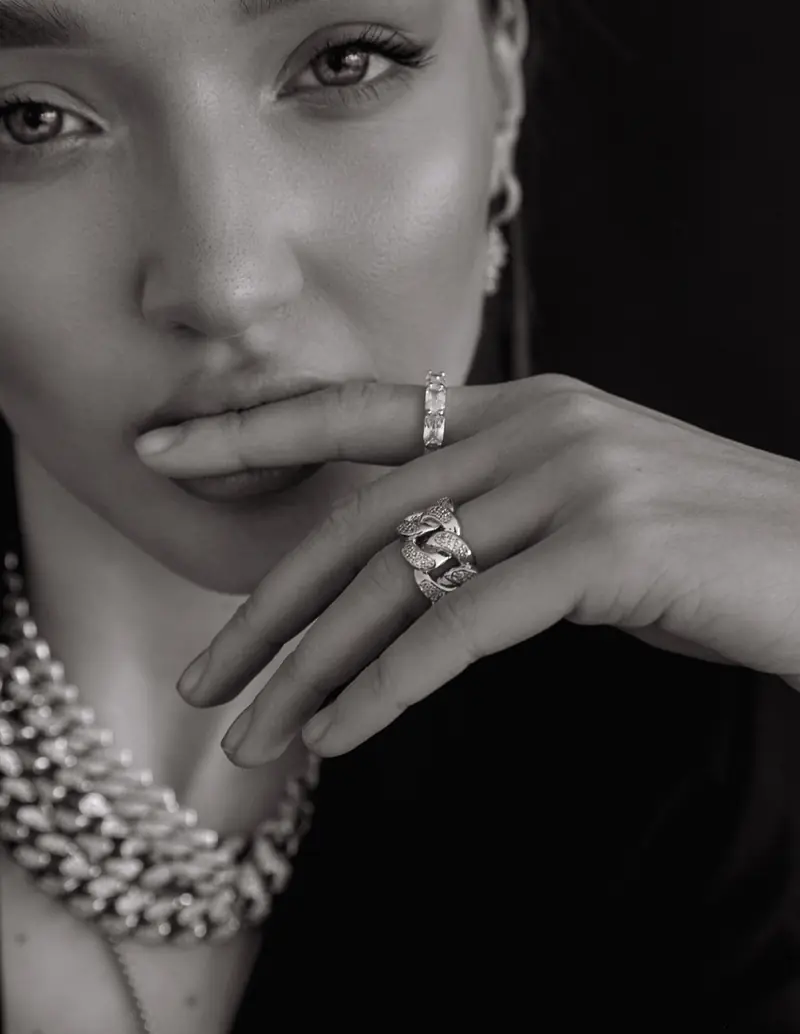
In our work, the beauty and product service covers beauty, skincare, jewelry, accessories and product brands, from catalogue to campaign visuals. <!-- F026 --> We create content for brands including catalogue shoots. <!-- F041 --> For a worked example of both types in one category, read our jewelry photography guide. Other formats for companies are listed on the brands page.
What shots does a catalogue need for each product?
We suggest agreeing a starter shot list for every product before the day, then adjusting it to the item:
- A front view, straight on.
- A back or side view.
- A close detail: texture, label, finish.
- A scale cue, such as a hand or a familiar object.
- The packaging, if it is part of what the buyer receives.
- Every variant, in the same framing as the rest.
Keep the background, framing and light the same across the range, so the shop reads as one collection. For fragile or reflective items, use the prep notes in the jewelry shoot guide.
Three mistakes to avoid:
- Inconsistent backgrounds across a range. Products shot on different days with different light look like they come from different shops.
- No scale cue. If buyers have to guess the size, the photo leaves a doubt it should have removed.
- Only hero shots. The rest of the range still needs images, or the shop looks unfinished.
Checklist: before the shoot day
- Write a product list with names, sizes, colours and codes.
- Mark the hero products that deserve campaign frames.
- Agree the shot list for each product, including variants.
- Check every item for scratches, dust and damage, and bring spares of anything fragile.
- Note items that need styling, steaming or assembling, and bring packaging if it will appear.
- Collect references for the mood, and name the looks you don't want.
- Confirm the image requirements of each sales channel yourself, because they change.
What should you ask before booking a product shoot?
A short list of questions saves misunderstandings later. Before booking, ask what is included and how the images may be used. <!-- F082 -->
- What is included: editing, file formats, the number of finished images per product?
- How many products and angles fit into the shoot?
- Who styles the products, and what props will appear?
- How may the images be used: your website, ads, print, marketplaces, and for how long?
- What do you need to prepare, and by when?
What affects the cost of a product shoot?
Pricing is shared on request. What usually affects the price: <!-- F081 -->
- the number of products and the angles for each
- clean product images, worn or held images, or both
- models or hands in the frame
- styling and props
- the level of editing
- how the images will be used
A clear product list and a clear plan for where the images will go help keep all of this on track. Message us on Instagram with your range and your goals.
What to send us:
- your product list
- where the images will live
- whether you think you need catalogue, campaign or both
If you want to see how the work runs, start with our beauty and product photography page.
Frequently asked questions
Which should a new brand shoot first?
Usually the catalogue set, because every product needs clear, consistent images for the shop. Add campaign frames for the hero products once the look is settled.
Do I need both types of photography?
Many brands end up using both. Catalogue images serve the shop and listings, and campaign images serve ads and social media. Start with the one that matches your immediate goal.
What shots does a catalogue need for each product?
A front view, a back or side view, a close detail, a scale cue, the packaging if it is part of the purchase, and each variant in the same framing. Adjust the list to the item.
What affects the cost of a product shoot?
What usually affects the price is the number of products and angles, clean or worn images, models, styling and props, the level of editing and how the images will be used. Pricing is shared on request.
Written by Anna · Nov 16, 2026 · 7 min read.