
Good ecommerce product photos are clear, consistent and answer the questions a buyer cannot ask. Use this checklist: a clean main image, several angles, a detail, an in-use or scale image, consistent light and framing, readable thumbnails and tidy files. Audit your current listings first, then plan the shoot around what is missing.
What should a product listing show?
Think about what a buyer would ask in a shop: What does it look like? What size is it? What is it made of? How does it look when used? Each image should answer one of these questions. A set that covers them helps people decide, and it also prevents returns that start with "it looked different".
The checklist
1. The main image
- [ ] The product fills the frame without cropping parts off
- [ ] Clean, consistent background
- [ ] Accurate colour, checked on a phone and a computer
- [ ] No distracting props
2. Angles
- [ ] Front, back and side
- [ ] Top or underside, where relevant
- [ ] Open and closed, where it applies
3. Detail
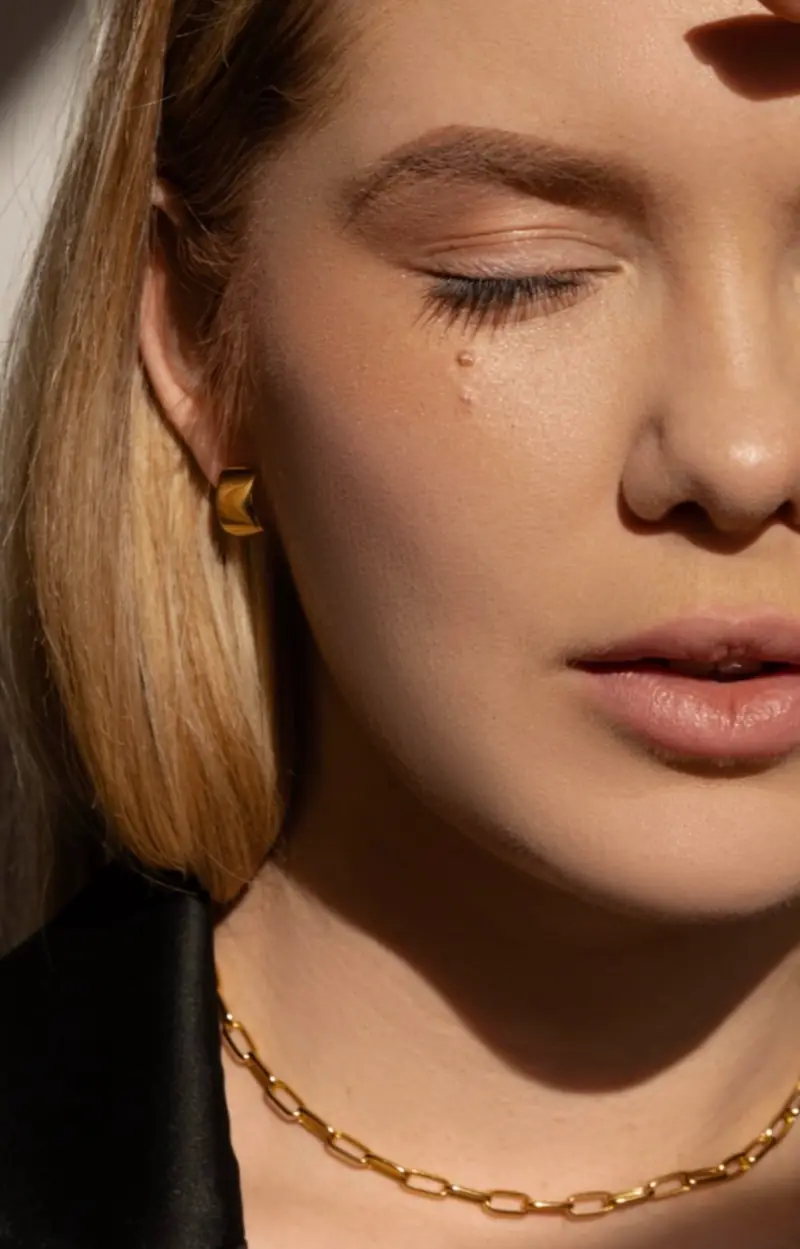
- [ ] A close-up of texture, material, stitching or finish
- [ ] Labels, clasps, zips, ports or other features the buyer will look for
4. Scale and use
- [ ] The product in hand, on a body or next to a familiar object
- [ ] A lifestyle image that shows how it is used
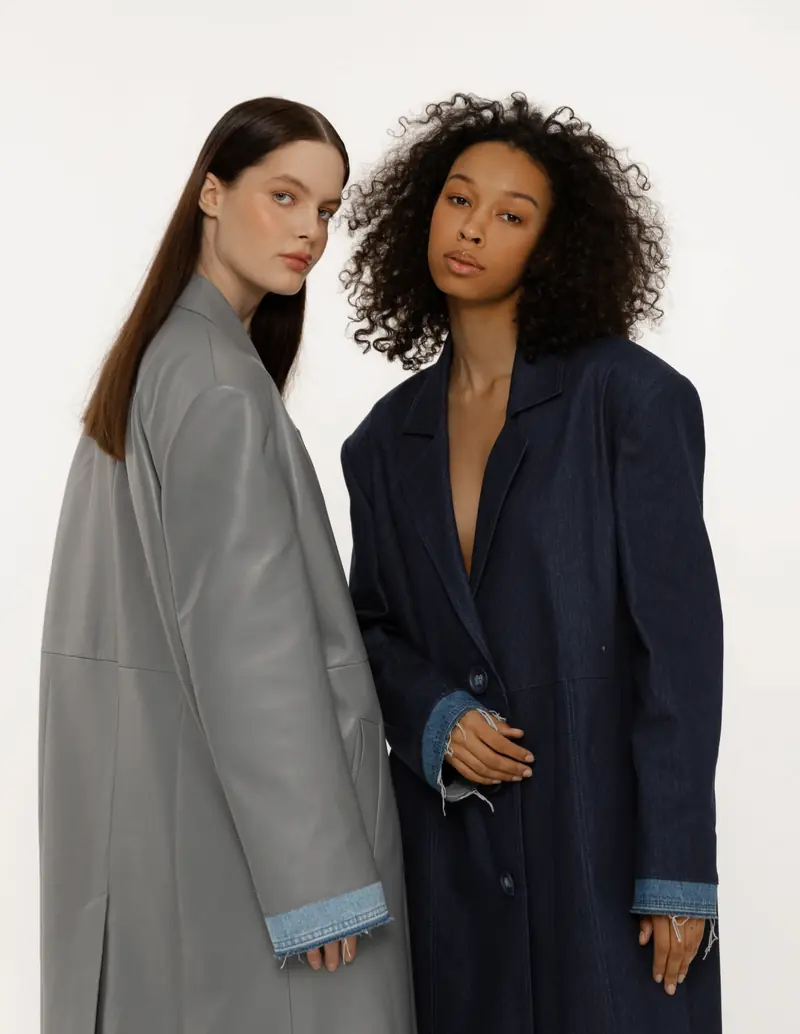
- [ ] For clothing, a model image to show fit
5. Packaging
- [ ] The box or bag, if it is part of the offer
- [ ] What arrives in the parcel
6. Consistency
- [ ] Same light direction across the range
- [ ] Same framing, crop and distance
- [ ] Same editing style
- [ ] Notes saved so a future shoot matches
7. Thumbnails
- [ ] The product stays readable as a small image
- [ ] The key feature is visible even when tiny
- [ ] Nothing important sits near the edge, where crops can cut it
8. Files
- [ ] Images sized for the web, so pages load fast
- [ ] Clear, consistent file names
- [ ] Alt text describes what is visible
- [ ] Originals stored safely
For rules on a particular marketplace, check that marketplace's own guidelines. They change, so we do not state them here.
How do you audit your current listings?
Before you plan a shoot, look at what you have:
- Open ten of your listings on a phone.
- Scroll the list view and check which products are readable at small size.
- Mark any item with fewer images than your standard set.
- Look for products that look different from the rest: other light, other angle, other crop.
- List items where customers ask the same question again and again. That is a missing image.
- Group the gaps: new product, reshoot or retouch.
The audit turns a vague "we need new photos" into a shot list.
Catalogue or campaign: which images do you need?
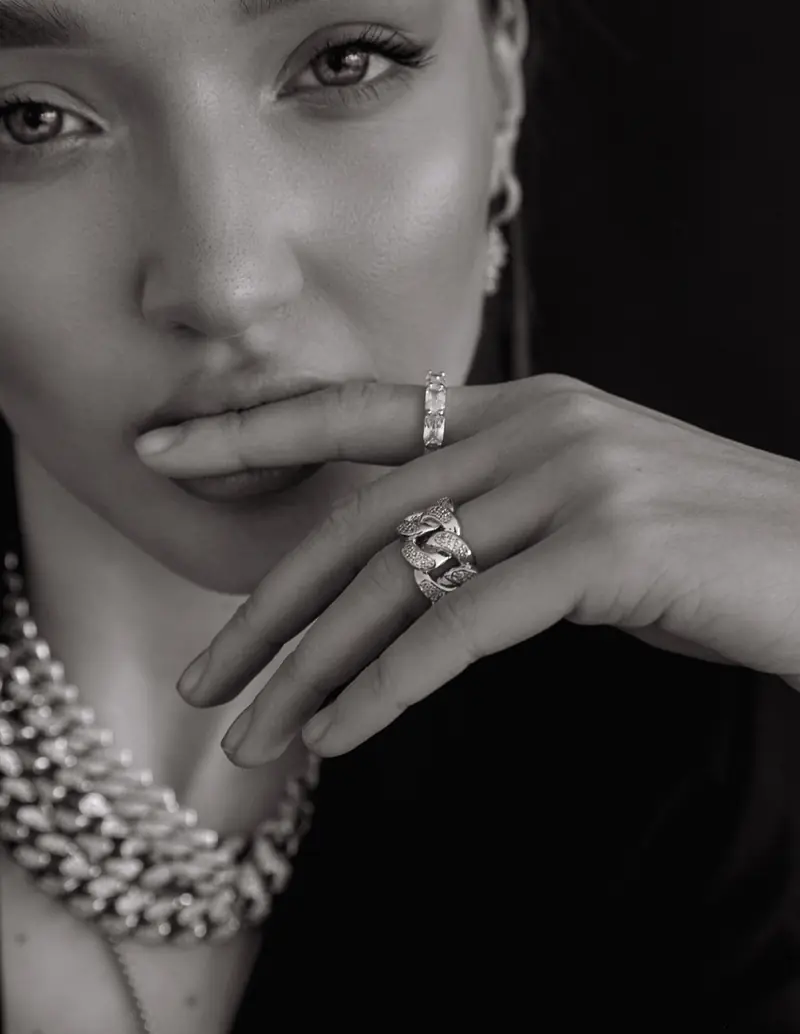
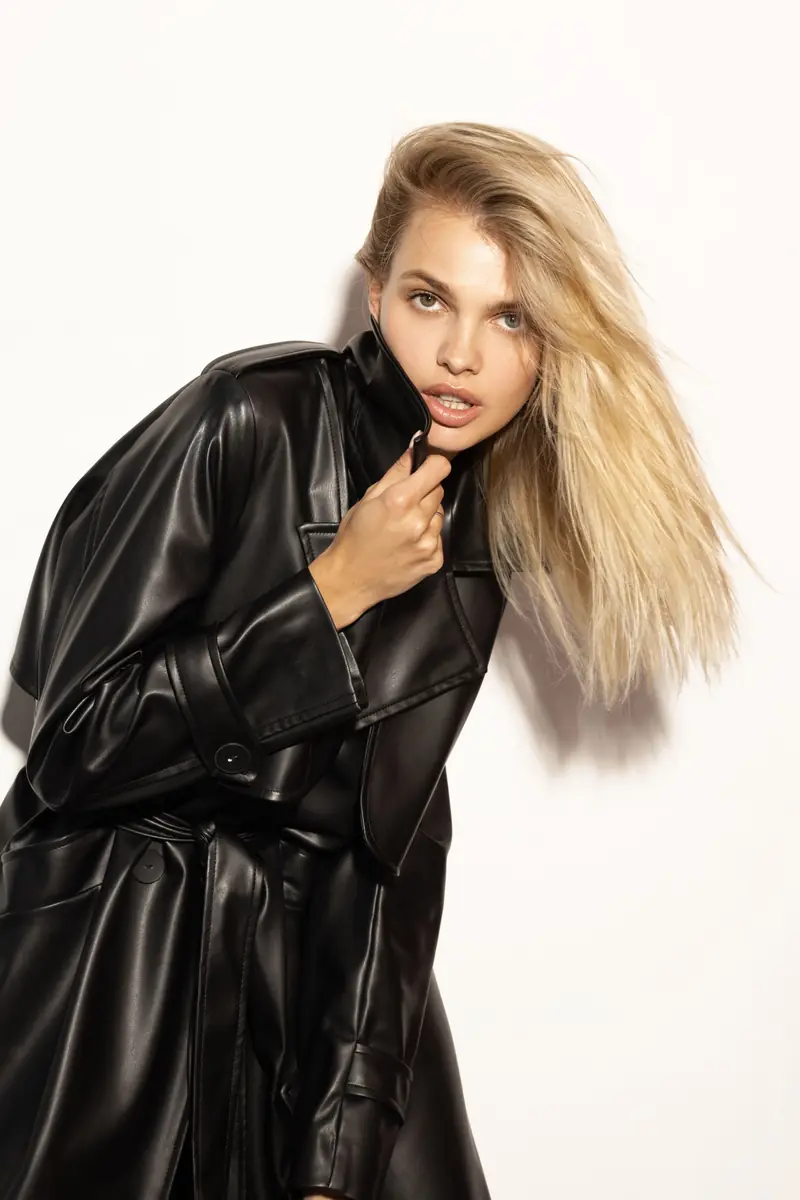
Catalogue images show the product clearly and consistently. Campaign images show it with mood and story. Most online stores need both, and the balance depends on the goal. Our guide to catalogue versus campaign photography explains the difference. For small, detailed items, see jewellery photography.
How should you plan the shoot?
- Decide the goal. New range, reshoot or launch.
- List the products and the set of images for each.
- Group by type. Shoot similar items together, so light and framing stay the same.
- Prepare the products. Clean, steamed, labelled, with a spare in case of damage.
- Choose a space. Our guide to studio versus location helps you decide.
- Prepare the brief. Share references, the list and the file standards.
Our beauty and product work covers beauty, skincare, jewellery, accessories and product brands, from catalogue to campaign visuals. We make no claims about results: a photo helps a buyer judge a product, it does not replace the product.
What mistakes should you avoid?
- Mixing styles. Different backgrounds and light across one range make a shop look unplanned.
- Colour that does not match the item. Check the image next to the real product, and tell buyers if colour varies by screen.
- Hiding the size. Include something that shows scale, or state the dimensions next to the image.
- Too many images with no new information. Each image should add something the others do not.
- Heavy files. Slow pages lose visitors; size the files for the web.
- Over-editing. Retouching should clean the image, not change the product. A buyer who receives something different from the picture will remember it.
A good rule is to look at your set as a buyer: if you only saw these pictures, would you know what you were buying?
Ready to refresh your store images?
Tell us about your products and where they are sold. Message us on Instagram @be_an.art or use the contact page. See our product and still life photography page, and the brands section. Pricing is shared on request.
Frequently asked questions
How many photos does a product listing need?
Enough to answer the buyer's questions: a clear main image, a few angles, a detail, a scale or in-use image and packaging if it matters. Decide by what a buyer would want to check.
Should product photos have a white background?
A clean, consistent background is a safe choice for the main image, and many marketplaces have their own rules, so check them. Lifestyle images can follow the main image.
How do I make product photos consistent?
Use the same light, angle, framing, crop and editing for every item in a range, and write these down so future shoots match.
How do I check whether my photos work on a phone?
Open your listings on a phone and look at the small thumbnails in a list. If the product is not readable at that size, reshoot or recrop.
Written by Anna · Nov 23, 2026 · 4 min read.